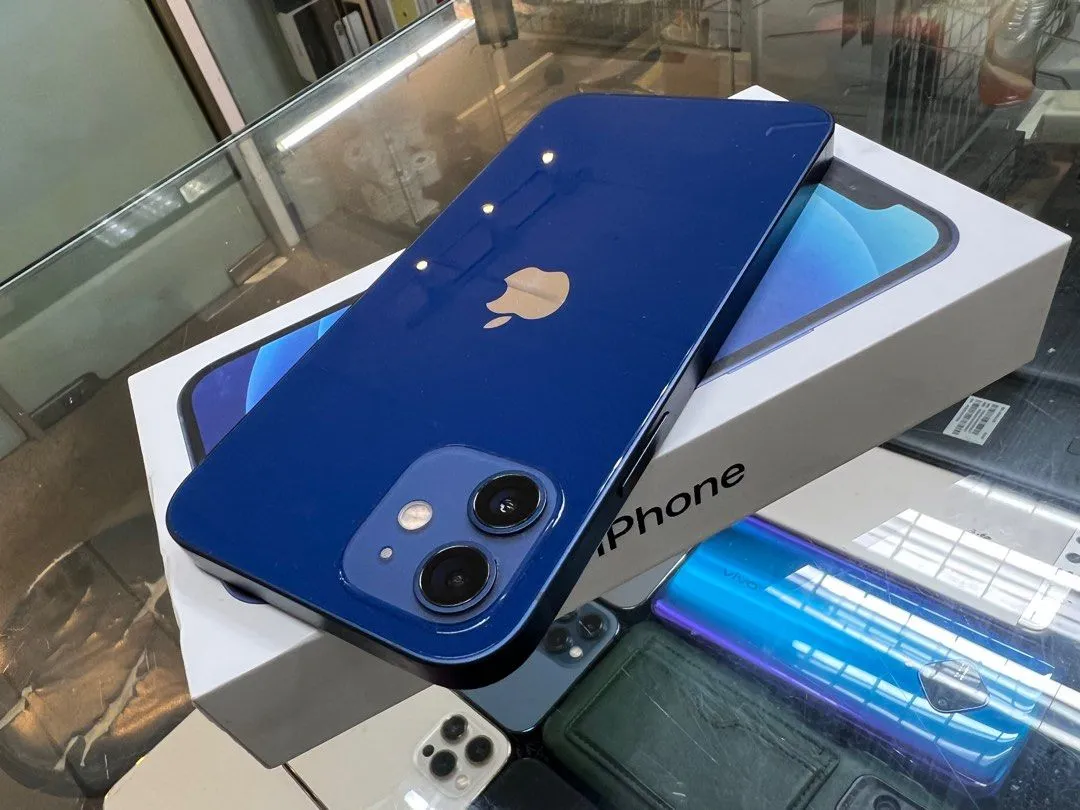
Phone Settings You Should Change Immediately for Better Security

Breaking News Zambia
NewsYour smartphone contains some of your most valuable information. From banking apps and personal photos to emails, passwords and social media accounts, your phone holds a large part of your digital life. Unfortunately, cybercriminals are constantly looking for ways to steal personal information, making smartphone security more important than ever. The good news is that […]
Your smartphone contains some of your most valuable information. From banking apps and personal photos to emails, passwords and social media accounts, your phone holds a large part of your digital life. Unfortunately, cybercriminals are constantly looking for ways to steal personal information, making smartphone security more important than ever.
The good news is that you don’t need to be a technology expert to protect yourself. By changing a few important settings, you can significantly reduce the chances of becoming a victim of hacking, identity theft or online scams.
1. Enable Screen Lock
The first step to protecting your phone is setting up a strong screen lock. Whether you use a PIN, password, fingerprint or facial recognition, having a secure lock prevents strangers from accessing your information if your phone is lost or stolen.
Avoid using simple PINs such as 1234, 0000 or your birth year, as these are among the first combinations thieves try.
2. Turn On Two-Factor Authentication (2FA)
Many apps now allow two-factor authentication, which requires a second verification step when someone tries to log into your account.
Enable 2FA on:
WhatsApp
Facebook
Gmail
Instagram
Banking apps
Even if someone discovers your password, they will still need the second verification code to gain access.
3. Keep Your Software Updated
Many people ignore software updates because they seem inconvenient.
However, these updates often contain security patches that fix weaknesses hackers could exploit.
Always install the latest updates for:
Android
iPhone (iOS)
Applications
Keeping your phone updated is one of the easiest ways to stay protected.
4. Review App Permissions
Many apps request access to your:
Camera
Microphone
Contacts
Photos
Location
Some permissions are necessary, but others are not.
Go to your phone’s settings and review which apps have access to sensitive information. Revoke permissions that are unnecessary.
5. Turn Off Bluetooth When Not in Use
Leaving Bluetooth switched on all day can expose your phone to unwanted connections.
Unless you’re using wireless headphones, a smartwatch or another Bluetooth device, it’s safer to turn it off.
6. Activate “Find My Device”
If your phone gets lost or stolen, you should be able to locate it remotely.
Android users should enable:
Find My Device
iPhone users should enable:
Find My iPhone
These features also allow you to lock or erase your phone remotely.
7. Avoid Automatic Wi-Fi Connections
Your phone may automatically connect to public Wi-Fi networks.
Public Wi-Fi can expose your data to hackers.
Disable automatic Wi-Fi connections and only connect to trusted networks.
8. Turn Off Location Sharing When Not Needed
Many apps continue tracking your location even when you are not using them.
Instead of giving permanent access, choose:
“Only While Using the App”
This helps protect your privacy while reducing battery usage.
9. Remove Unknown Apps
If you notice applications you don’t remember installing, remove them immediately.
Unknown apps may:
Collect personal information.
Display unwanted advertisements.
Install malware.
Slow down your phone.
Only download applications from trusted sources such as Google Play Store or Apple’s App Store.
10. Enable Backup
Accidents happen.
Phones get lost, stolen or damaged.
Enable automatic backup for your:
Photos
Contacts
Messages
Documents
This ensures your important information can be restored if something happens to your device.
Bonus Tip: Beware of Suspicious Links
No phone setting can fully protect you if you click fraudulent links.
Avoid opening links from unknown numbers or suspicious emails, especially those asking for:
Banking details
Passwords
Verification codes
Banks and reputable companies rarely request sensitive information through text messages or social media.
Final Thoughts
Smartphones have become an essential part of everyday life, but they are also attractive targets for cybercriminals.
Taking just a few minutes to review your security settings can protect your personal information, financial accounts and digital identity.
The best time to improve your phone’s security is not after it has been hacked—it is today.
By enabling stronger security settings and practising safe online habits, you can enjoy your smartphone with greater confidence and peace of mind.
Question for readers: Which of these security settings have you already enabled on your phone, and which one are you going to change today? Share your thoughts in the comments.




Community Feedback